As Apple introduces the MacBook Neo to the market, Microsoft is launching a strategic counter-offensive aimed directly at the college demographic. By bundling high-value software and gaming hardware with new hardware purchases, Microsoft is attempting to position Windows 11 laptops as the superior value proposition for students balancing academics and entertainment.
The “Ultimate College Bundle” Breakdown
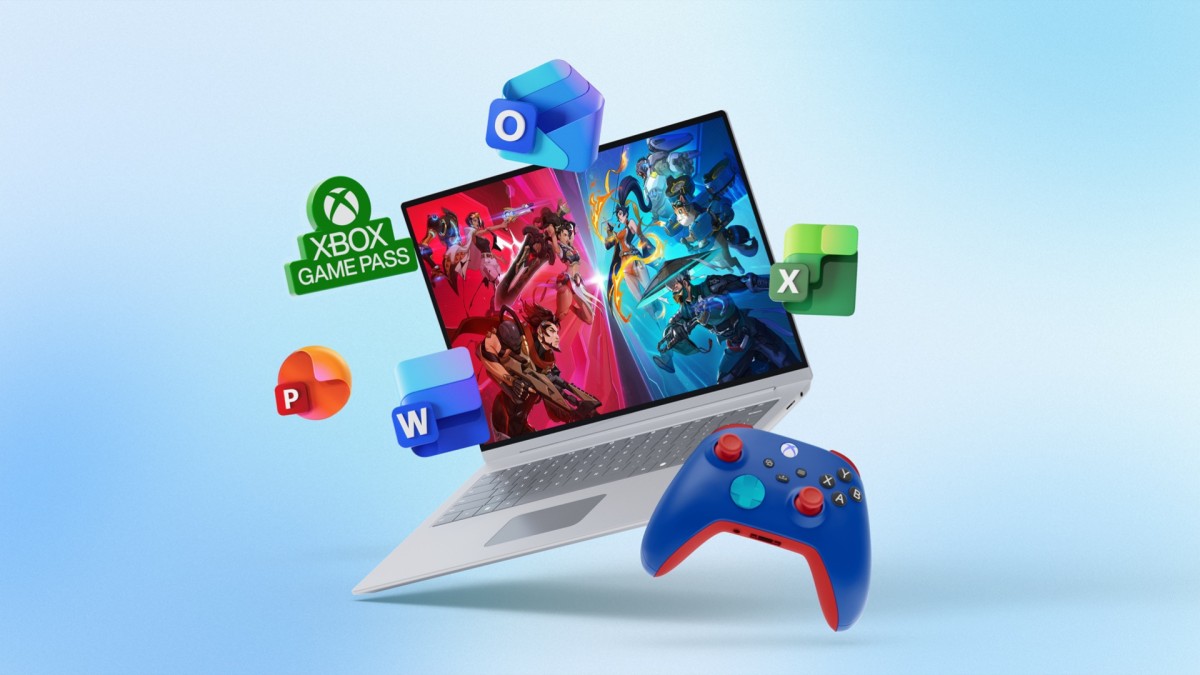
Microsoft is offering a massive incentive package for students who purchase qualifying Windows 11 laptops. The bundle, valued at approximately $625, includes three core components designed to cover both productivity and leisure:
- Microsoft 365 Premium (1 Year): Valued at ~$200, this provides the essential toolkit for academic life, including Word, Excel, PowerPoint, cloud storage, and advanced security features.
- Xbox Game Pass Ultimate (1 Year): A subscription providing access to a library of over 500 games across PC and Xbox consoles.
- Xbox Wireless Controller: A physical hardware addition to enhance the gaming experience.
Why This Matters: The Battle for the Student Ecosystem
This move is more than just a simple discount; it is a calculated effort to capture “ecosystem loyalty.”
In the tech industry, the college years are a critical period for brand adoption. If a student builds their entire workflow around Microsoft 365 and their social/leisure life around Xbox, they are significantly more likely to remain within the Microsoft ecosystem long after graduation. By offsetting the high cost of software and peripherals, Microsoft is lowering the barrier to entry for Windows-based productivity.
How to Claim the Offer
The promotion is not universal to all Windows devices but is tied to specific qualifying models.
Eligible Hardware and Retailers
To qualify, students must purchase a participating Windows 11 laptop. Currently, highlighted models include:
– Microsoft Surface devices
– Lenovo Yoga 7i 2-in-1 laptops
These devices are available through major retailers, including Best Buy, Walmart, Amazon, and the Microsoft Store.
Redemption Process
The offer is not automatically applied at the cash register; students must follow a specific digital verification process:
1. Setup: Complete the initial setup of the new laptop.
2. Verification: An on-screen prompt will appear requesting student verification. This requires a valid .edu email address.
3. Activation: Once verified, Microsoft will send an email containing the redemption links for Microsoft 365 and Xbox Game Pass.
4. Hardware: A unique promo code for the wireless controller will be sent within three days of successful verification.
Summary: Microsoft is leveraging a high-value bundle of productivity software and gaming services to compete with Apple’s hardware refreshes, offering students a comprehensive digital ecosystem for the price of a single laptop purchase.