
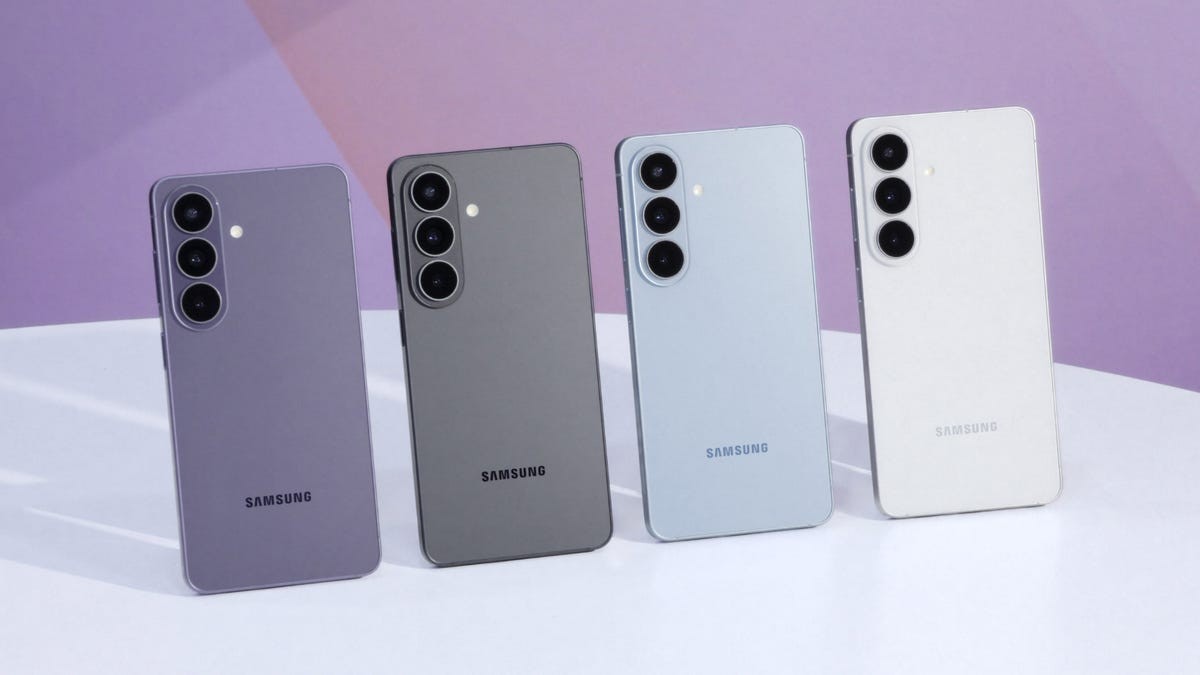
Your phone camera is the only lens you carry everywhere. It catches birthday dinners, weekend hikes, weddings that matter.
A good sensor creates a decent memory. A great one lasts generations. The Galaxy S26 series understands this distinction. It caters to every creative ambition. Or pretends to.
The Ultra brings the hardware punch. 200-megapixels. An F1.4 aperture. That’s the heavy lifting. But don’t sleep on the AI layers across all three phones. They do the weird stuff standard apps can’t.
Let’s break it down. No fluff.
The Hardware Split: Ultra vs. The Rest
The S26 and S24+ share DNA. They use 50MP main cameras with an F1.8 aperture. Good light? They look excellent.
The Ultra is a different beast.
It steps up to a 200MP sensor. The aperture widens to F1.4. There’s also a dedicated 50MP telephoto lens offering 10x optical-quality Zoom.
Why does resolution matter?
Cropping. You want to crop in tight. You usually lose detail. The S26 Ultra keeps it. The wider aperture helps in those terrible indoor spots—gig venues, dimly lit nightclubs. You get clarity without chasing light. The zoom lets you cover distance. No need to move closer.
Aperture Explained (Briefly)
Lower number means bigger hole.
Bigger hole lets in more light.
The S26 Ultra opens up to F1.4. This matters when it’s dark. Samsung calls it Nightography. It works on all three models, in both photo and video.
Using Nightography
In Photo mode:
- Open Camera.
- Look for the yellow moon icon. It appears in the corner when light drops.
- Tap it. You’ll see seconds.
- Pick a number. Or leave it on Auto. The phone guesses better than you most nights.
For Video:
No toggle. It’s always on. Just hit record.
Super Steady and the Horizon
Super Steady stabilizes your video. It’s on all S26s.
But the Ultra adds Horizontal Lock.
Here’s the deal: when you walk, the horizon tilts. It looks amateur. Cheap. Horizontal Lock uses the gyroscope and accelerometer to lock the horizon level.
Run from a car? Pan through a crowd? The frame stays flat. The footage stays smooth. It fixes the shaky-hand syndrome.
To use it: Switch to Video > tap Super Steady > choose Horizontal Lock. Simple.
The AI Part: Photo Assist
You took the shot. Now what?
Photo Assist lives in the Gallery app. It’s not just filters. It changes reality.
Shift the setting entirely. Move a portrait from day to night. Add people. Add a dog. Combine two photos. Merge a solo shot with a landscape backdrop.
Just open the AI icon. Type or speak what you want. The machine builds it. You edit until you’re tired. Or satisfied. Whichever comes first.
Creative Studio
Standard editing tweaks existing pixels. Exposure. Crop. Color.
Creative Studio creates new ones.
Accessed via the Edge Panel, it turns your photos into stickers, cards, invites.
Describe what you want. Pick a style. Hit generate. Send the invite via email or text.
It’s less about fixing a photo. More about making a gift.
So Which Do You Buy?
The S26 standard handles daily life fine. The S24+ is similar.
The Ultra gives you the tools. The 20MP resolution. The low light mastery. The leveled video.
Do you need all that? Probably not.
Do you want it?
Maybe.